Cinematic Architecture: AI-Powered Design Workflows
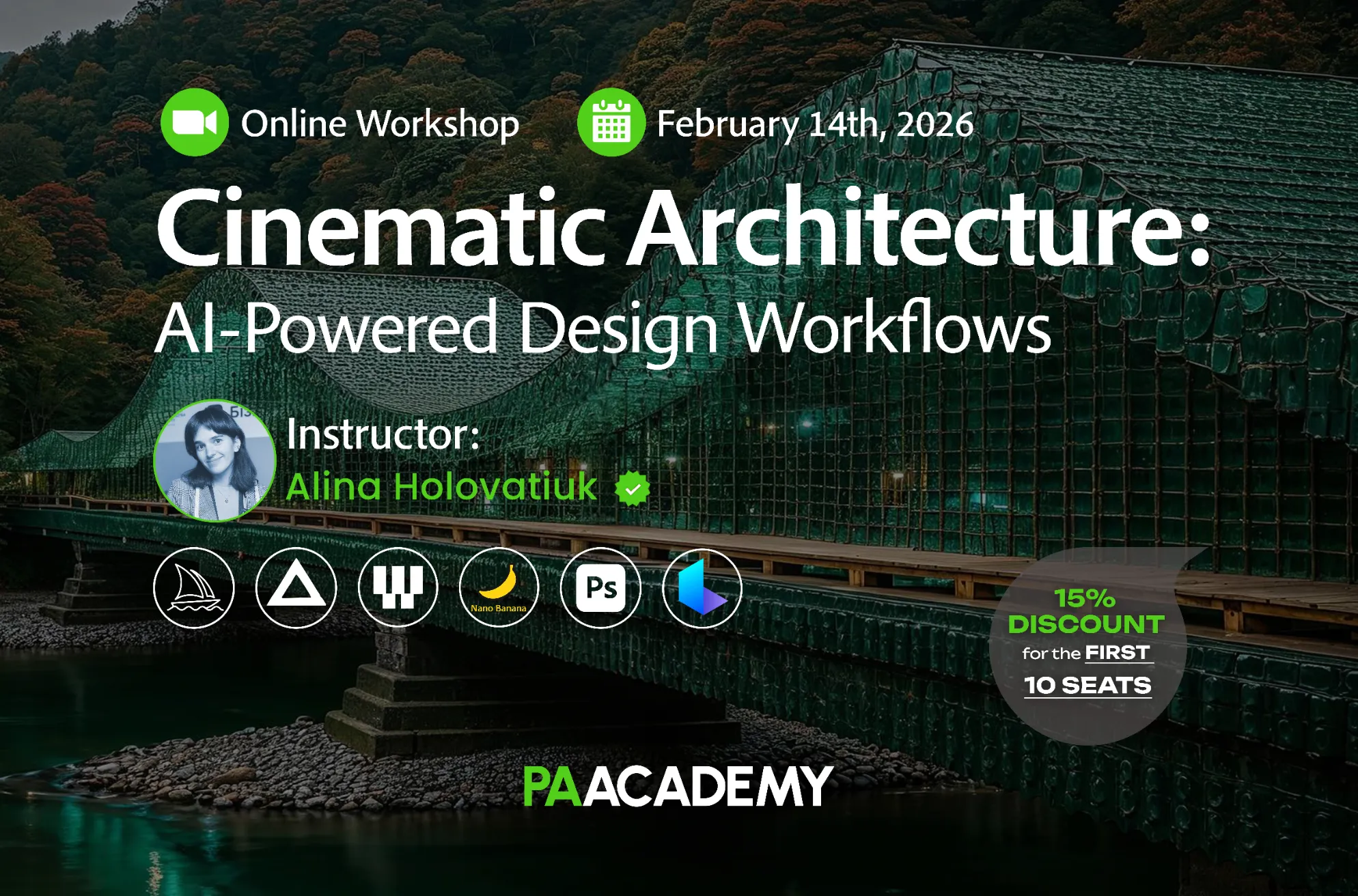
Topic: Cinematic Architecture: AI-Powered Design Workflows
Date: February 14, 2026
Time: 13:00 – 18:00 GMT
Format: Online on Zoom
Duration: 1 Session (5 Hours)
Registration Deadline: February 13th, 2026
Total Seats: 50 seats
Difficulty: Beginner-Intermediate
Language: English
Certificate: Yes
General Registration: 100 EUR
Join free: with Full Access membership
Fee For Digital Members: 85 EUR (15% discount available only for Digital Members)
Organized By: PAACADEMY
Tutor: Alina Holovatiuk
Recordings: Recordings will be available for all participants afterward indefinitely.
Introduction to Cinematic Architecture:
AI is transforming the way architects envision and communicate design, turning static ideas into dynamic, interactive experiences. This workshop explores how to harness AI as a creative collaborator, guiding your projects from initial concepts to immersive, cinematic presentations.
This workshop focuses on enhancing your creative AI workflow, making your architectural or design projects stand out and feel recognized in 2026!
In this workshop, you’ll learn prompting principles inside of MidJourney, the best AI tools and techniques for editing your ideas, and how to combine them into compelling presentation videos with AI. The revealed workflow can be easily applied to your existing projects, making your presentations more impactful.

Methodology:
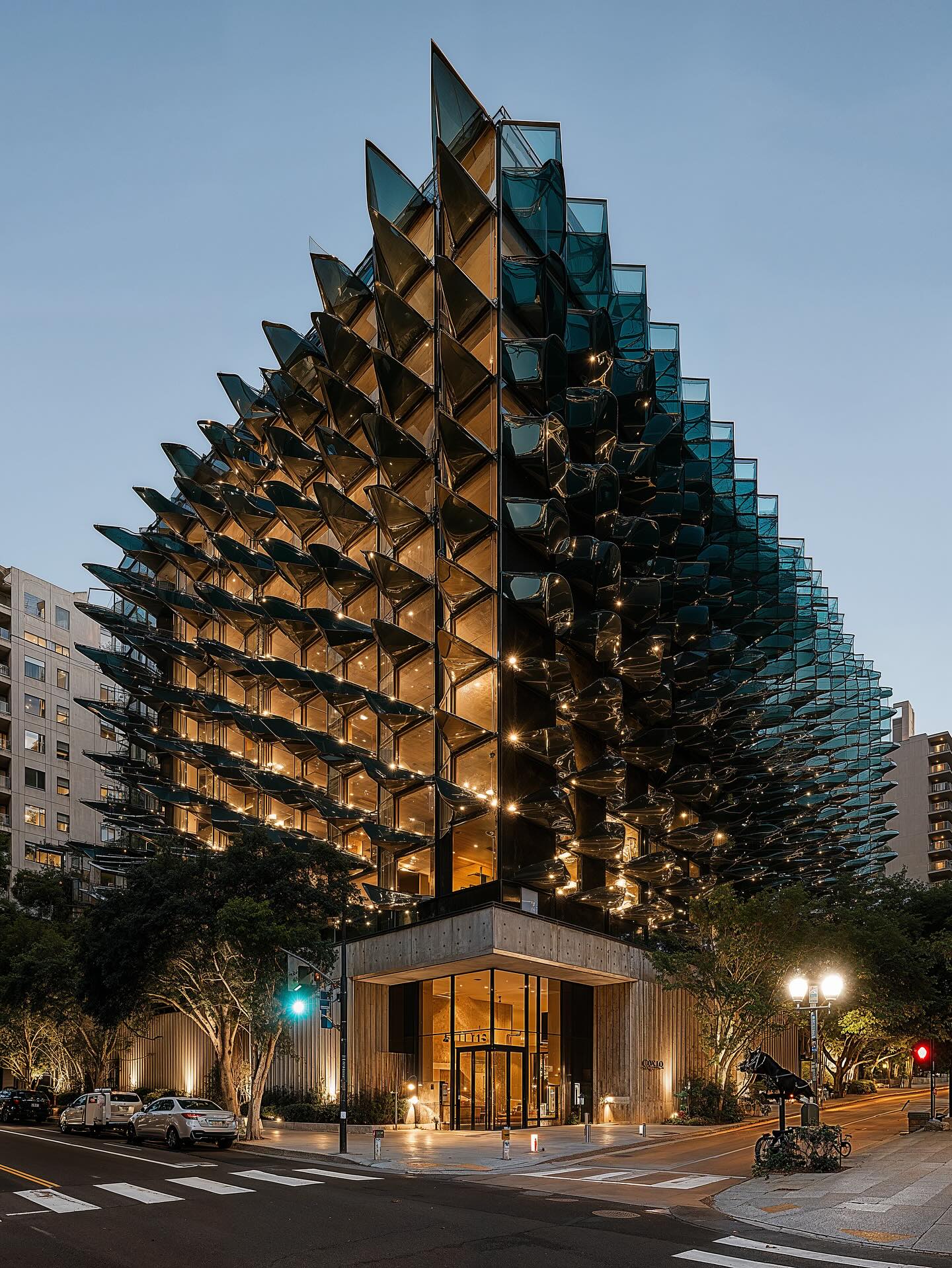
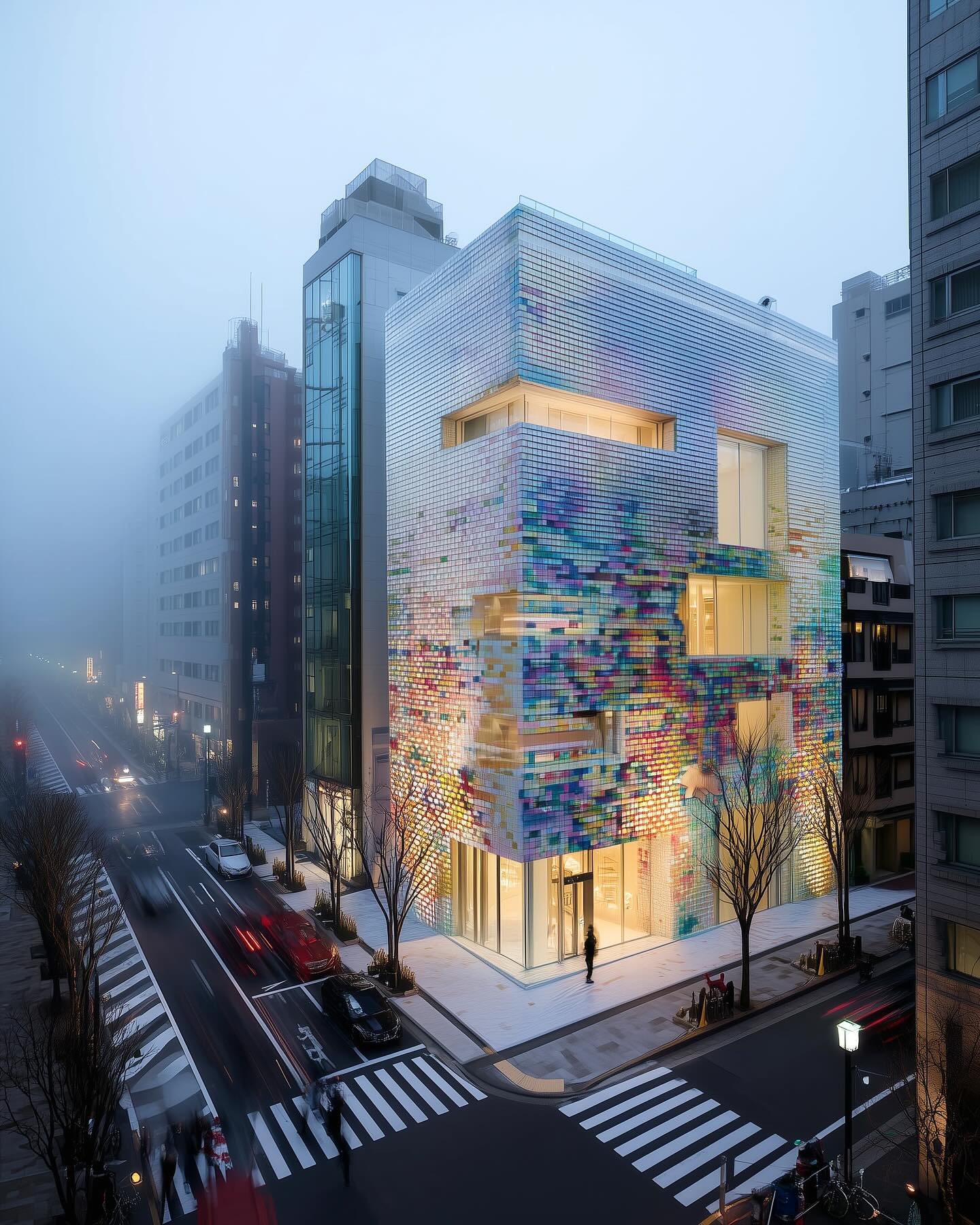
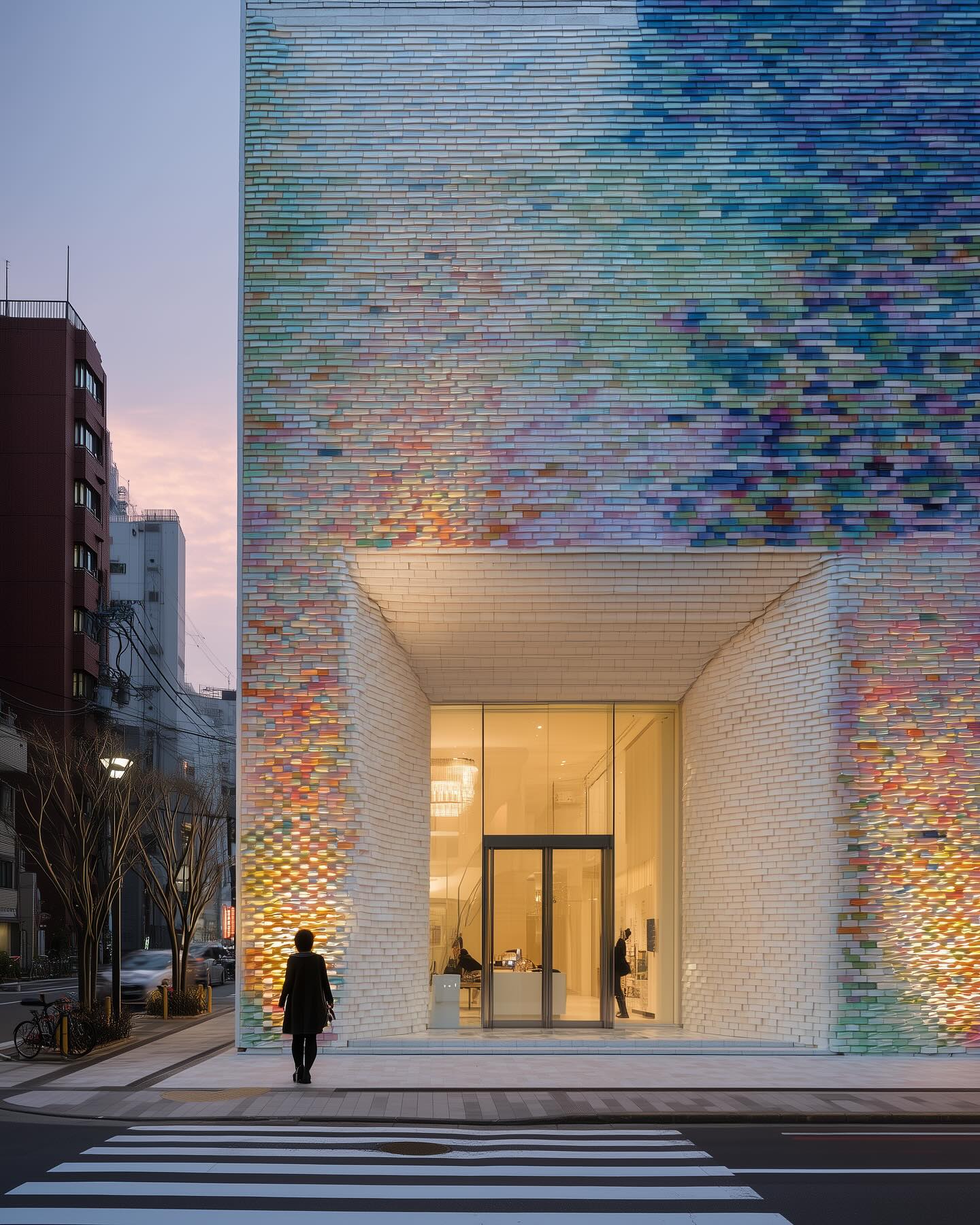
The workshop will focus on the workflow for generating the interior space and exterior facade for one building, based on the existing plan/image/reference.
In conclusion, we will combine elements from both workflows into a comprehensive video that showcases your project from both inside and outside. Every participant is working on their own project, highlighting individual progress and contribution throughout the workshop.
We will start by generating the base images for the interior and exterior. Alternatively, we will transform the white interior and exterior models into realistic renders using the AI editing toolset.
Then we will proceed to the next stage by editing those images – creating different/extra views, changing the atmosphere/weather, and adding some people.
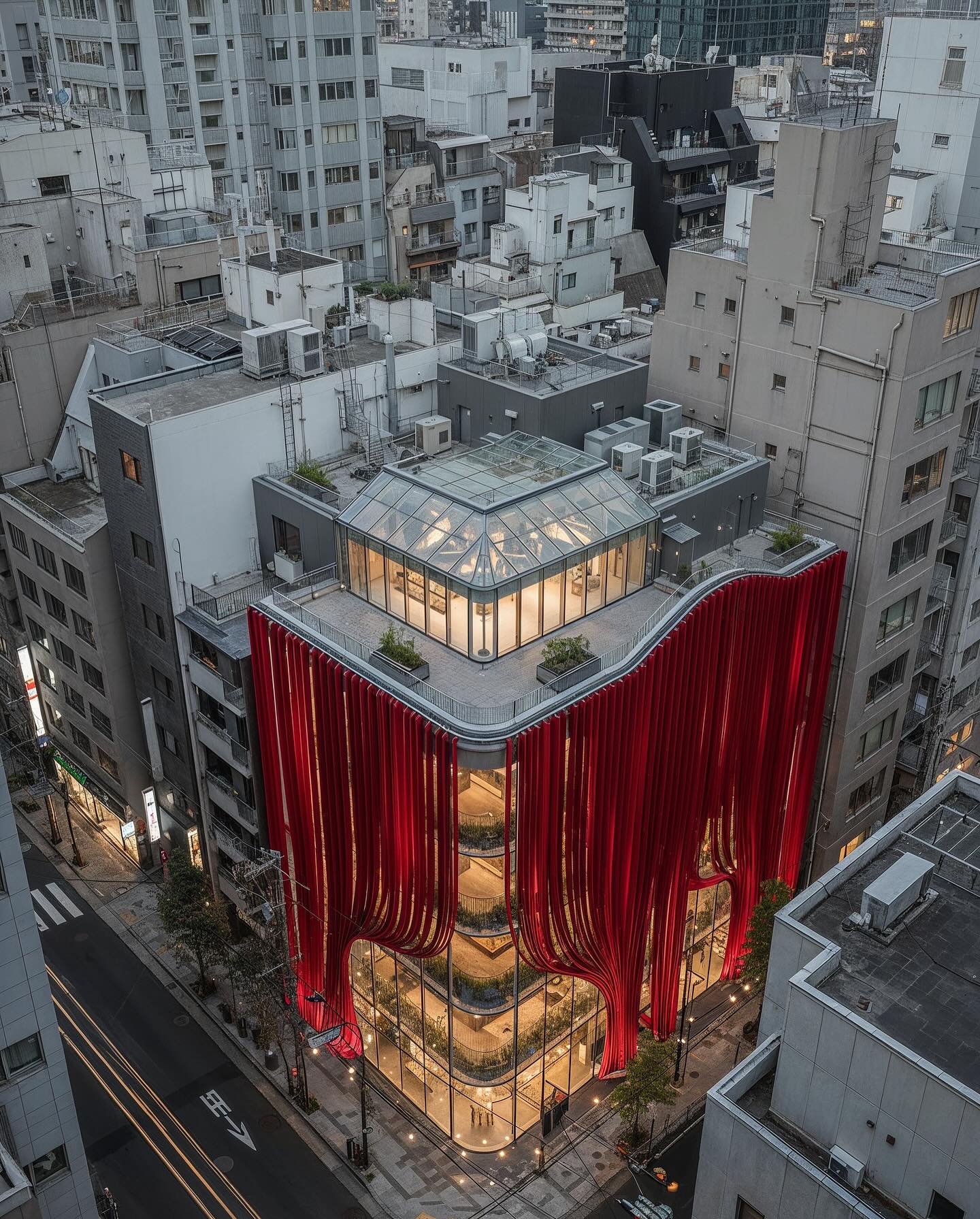
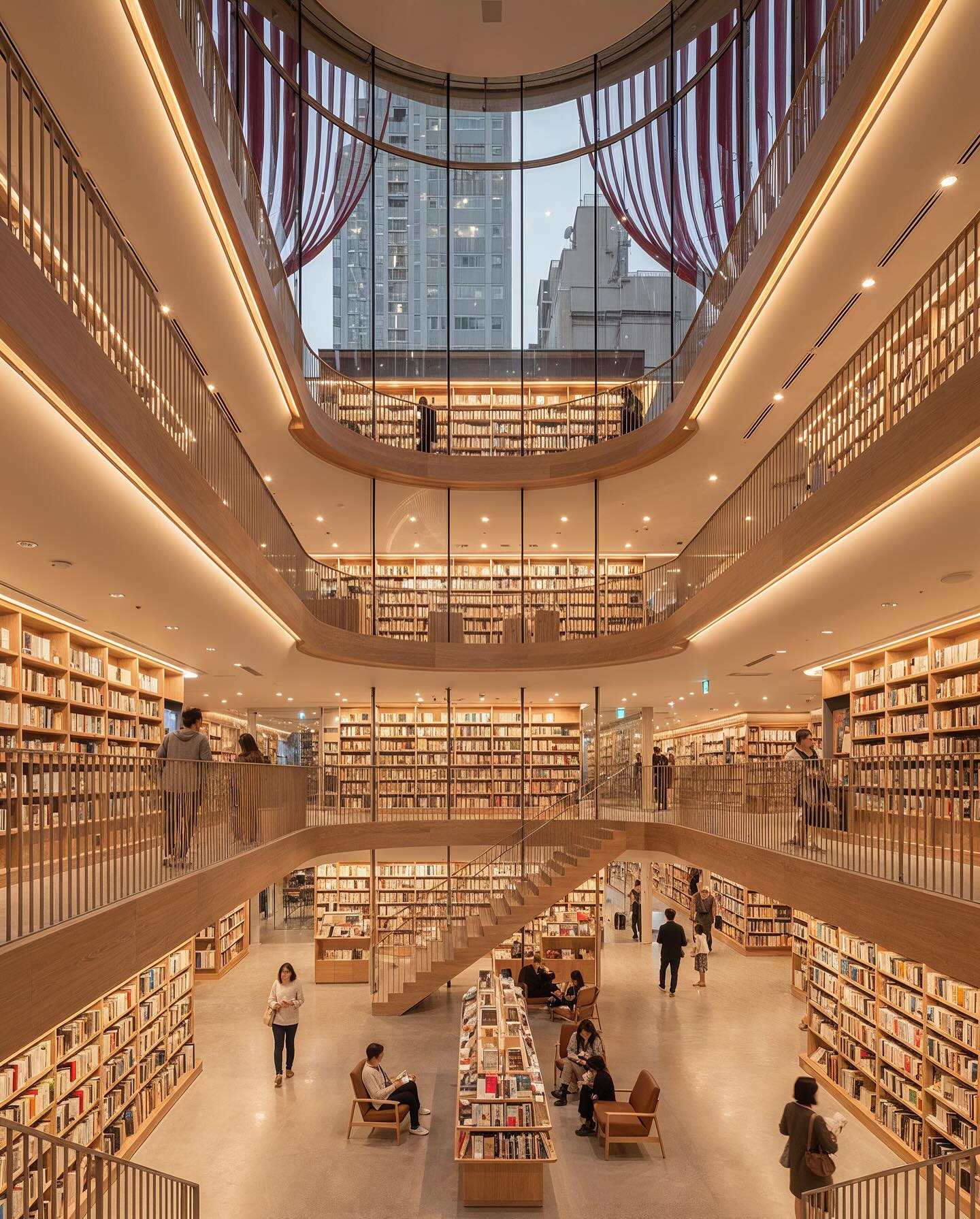
To sum up, we will bring all the pictures to life by animating transitions between frames. This workshop is divided into three main parts:
Idea generation (based on the existing early-stage project or without it)
Participants will explore how to ideate and develop a precise, extended prompt to achieve a photorealistic and desirable outcome. We will explicitly cover the tokens in the prompts (including the camera position and adjustments), parameters, style, omni, and image references.
Also, participants will receive a hands-on guide to working with the sketch/white model in MidJourney (and other AI editing tools) and to assigning a specific look/style to it. At this stage, we are working on both the interior and exterior images.
Project edits with AI
We are using the results from the previous stage (or an existing project image) and making adjustments with the AI editing tools (Nano Banana Pro and others). The goal is to showcase different edit scenarios that could be easily achieved with a prompt and reference combination.
For instance, we will consider weather/time-of-day/atmospheric changes, object inpainting, extra-view/image generation, and people addition. The focus will be on the consistency of all generated images.
Animation of the project with AI
During the last phase of the workshop, we will explore video generation for all of the images, highlighting how these skills can elevate your projects. We will go through the key framing and storytelling for the final video.
At this stage, we will cover the transition making, the morphing, and object manipulations. The aim is to develop a cinematic and convincing video to pitch your architectural/design idea at an early stage.
Key Learning Topics:
- How to generate, tweak, and take control over prompts in MidJourney 7.0. Key parameters, tokens, and camera angles for photorealistic results
- Alternative ways to transform an image into a prompt or get an image description
- Handy techniques for editing the parts or the entire image of your project (Nano Banana Pro and other editing tools inside Weavi)
- Effective prompting in Nano Banana Pro to generate multiple images based on your one image reference
- Tokens for image and video generation. Types of shots and camera movements.
- Key frames for smooth and cinematic video generation with Luma AI
- Principles of storytelling while generating and editing a video
Software:
Workshop Notes:
- Software Installation is NOT a part of the workshop! Students must have all the software installed before starting the workshop.
- If Luma AI is not an option, you can use any other video generation tool (e.g., Kling, Runway, Hailuo, and others) or use a video generation tool via Weavi.
- We will not cover the pre-project analysis or site analysis process in this workshop.
- The required subscriptions are a MidJourney Standard membership and a Weavi Starter tier.
- The instructor will demonstrate other AI tools used in the workshop, but subscriptions are not required to participate.
Instructor:
Alina Holovatiuk
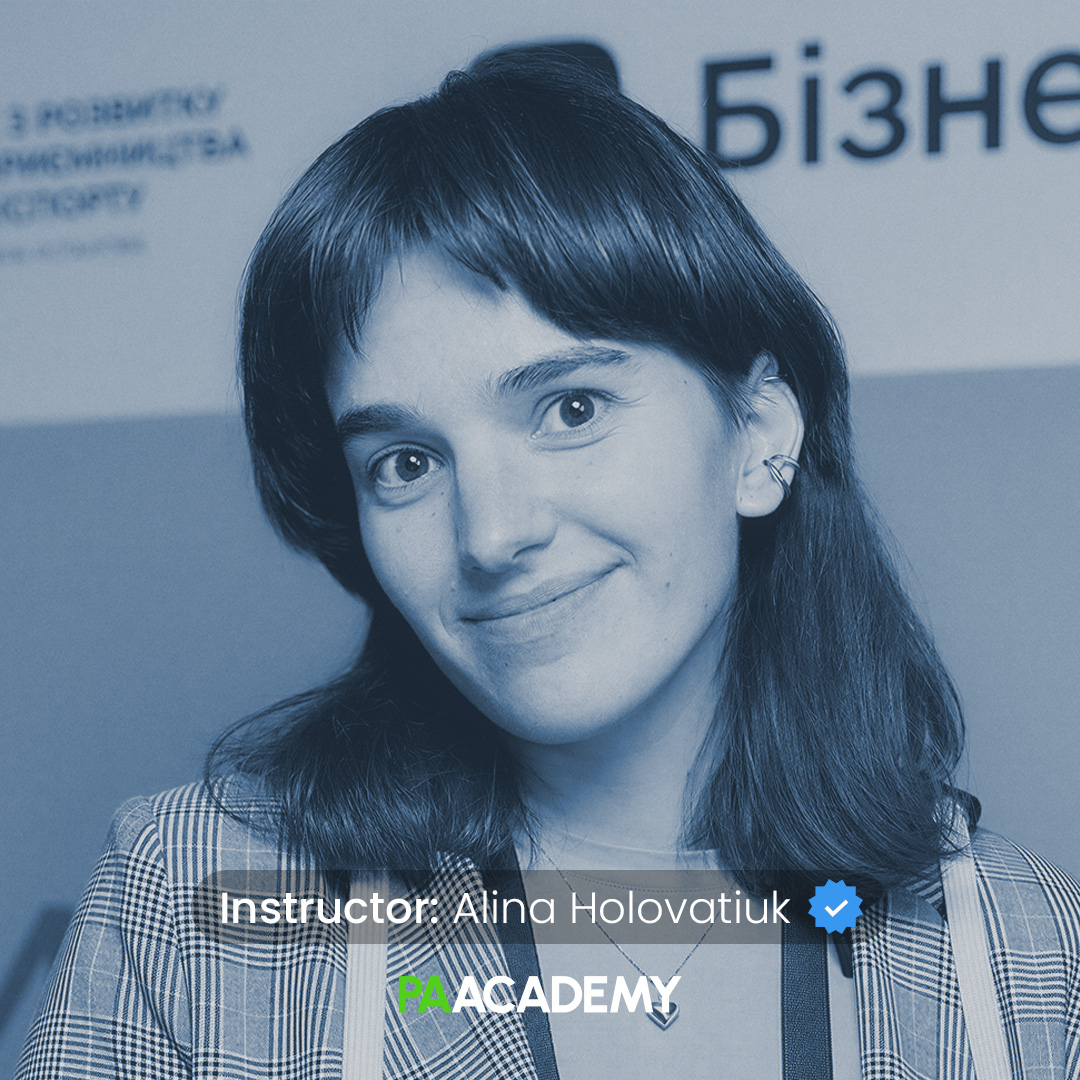
Alina Holovatiuk is a Ukrainian architect, AI enthusiast, blogger, and the founder of the musical startup InTempo in Kyiv, Ukraine, currently working as an architectural designer & AI consultant at the Kyiv-based firm ARDIS. She is the author of the international social experiment “Architecture & Happiness” for her master’s thesis.
She holds a Master of Architecture degree from Kyiv National University of Construction and Architecture, where her diploma project, “Memes in Architecture,” explored internet memes (objects or symbols that encode specific information) in real-life public spaces.
Alina is a winner/finalist of more than 29 international and national architecture/design/fine art contests. Her AI works were showcased in Seoul, Tokyo, San-Fransisco, and Detroit, and she is consulting architectural bureaus on AI applications.
Important Notes:
- The “Cinematic Architecture: AI-Powered Design Workflows” Studio workshop by PAACADEMY will start at 13:00 (GMT) on Saturday, February 14th, 2026.
- Total sessions: 1 Session (5 Hours).
- The teaching duration per session will be 5 hours.
- Students will have time for a break between teaching hours.
- Each session and the entire studio will be recorded, and videos will be available for participants just a day after the class for an unlimited time.
- PAACADEMY will provide a certificate of attendance.
- The studio has limited seats. Tickets are non-transferable & non-refundable. Please read carefully before you register.
Topic: Cinematic Architecture: AI-Powered Design Workflows
Date: February 14, 2026
Time: 13:00 – 18:00 GMT
Format: Online on Zoom
Duration: 1 Session (5 Hours)
Registration Deadline: February 13th, 2026
Total Seats: 50 seats
Difficulty: Beginner-Intermediate
Language: English
Certificate: Yes
General Registration: 100 EUR
Join free: with Full Access membership
Fee For Digital Members: 85 EUR (15% discount available only for Digital Members)
Organized By: PAACADEMY
Tutor: Alina Holovatiuk
Recordings: Recordings will be available for all participants afterward indefinitely.
link